From a rough idea to a more useful image prompt

Updated

Demo tutorial for testing your journal layout. Start by deciding what the image needs to communicate. A useful prompt is a brief, not a magic formula.
1. Describe the subject
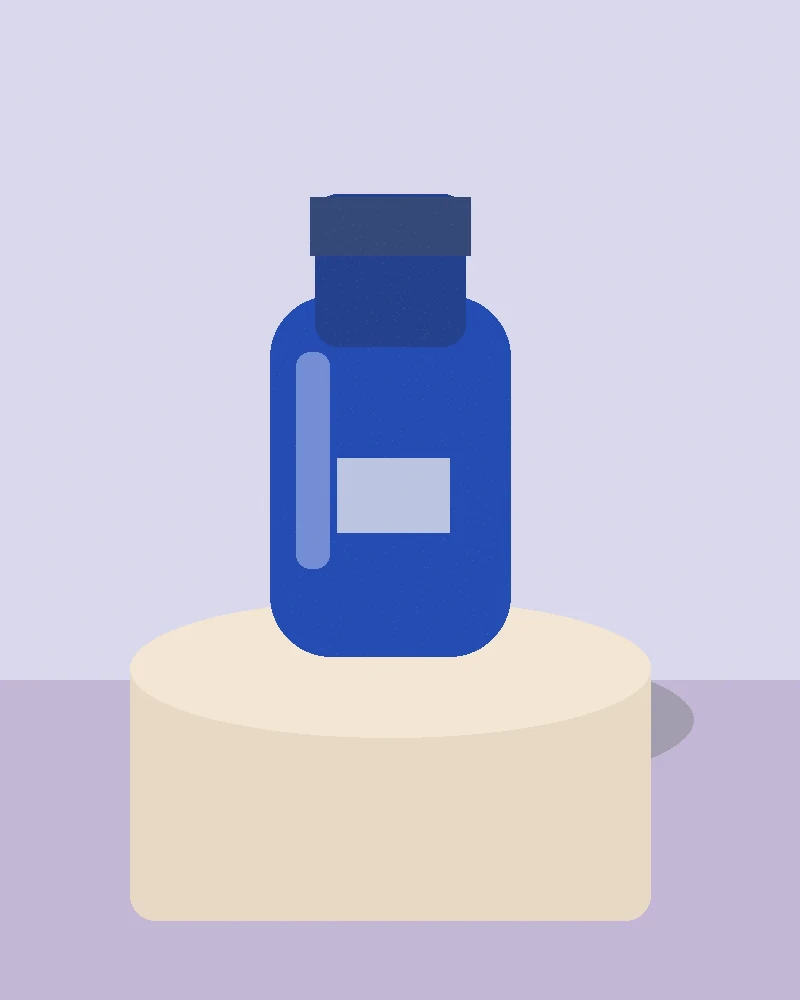
Choose one main subject. Specify the details that matter to the story, and leave out details that do not. “An unbranded blue bottle on limestone” gives a clearer starting point than a list of unrelated visual styles.
2. Give the image a setting
State where the subject sits and how the light behaves. A soft studio source and direct afternoon sunlight suggest different textures and shadows.
3. Plan the composition
Decide the viewpoint, framing and empty space. If you need room for a headline, ask for that space and add the final typography yourself.
Change one variable at a time. You will learn more from a small, deliberate comparison than from rewriting everything.
4. Review and refine
Inspect anatomy, materials, text and fine details. Save the prompt alongside the model version and any available settings. A seed does not guarantee identical output across different versions.
Try a starting point
 Free prompt
Build something from scratch
Demo prompt: explore youtube with considered composition, expressive color and a personal twist.
 Free prompt
A travel journal opens
Demo prompt: explore youtube with considered composition, expressive color and a personal twist.
 Free prompt
The weekend cooking story
Demo prompt: explore youtube with considered composition, expressive color and a personal twist.
Before you publish
Check that your example image matches the prompt and settings. Add useful alt text and disclose edits or placeholder images. Keep captions honest about what a visitor can expect.